Hostux.page
Your new-tab page.
No account · Website and desktop extension
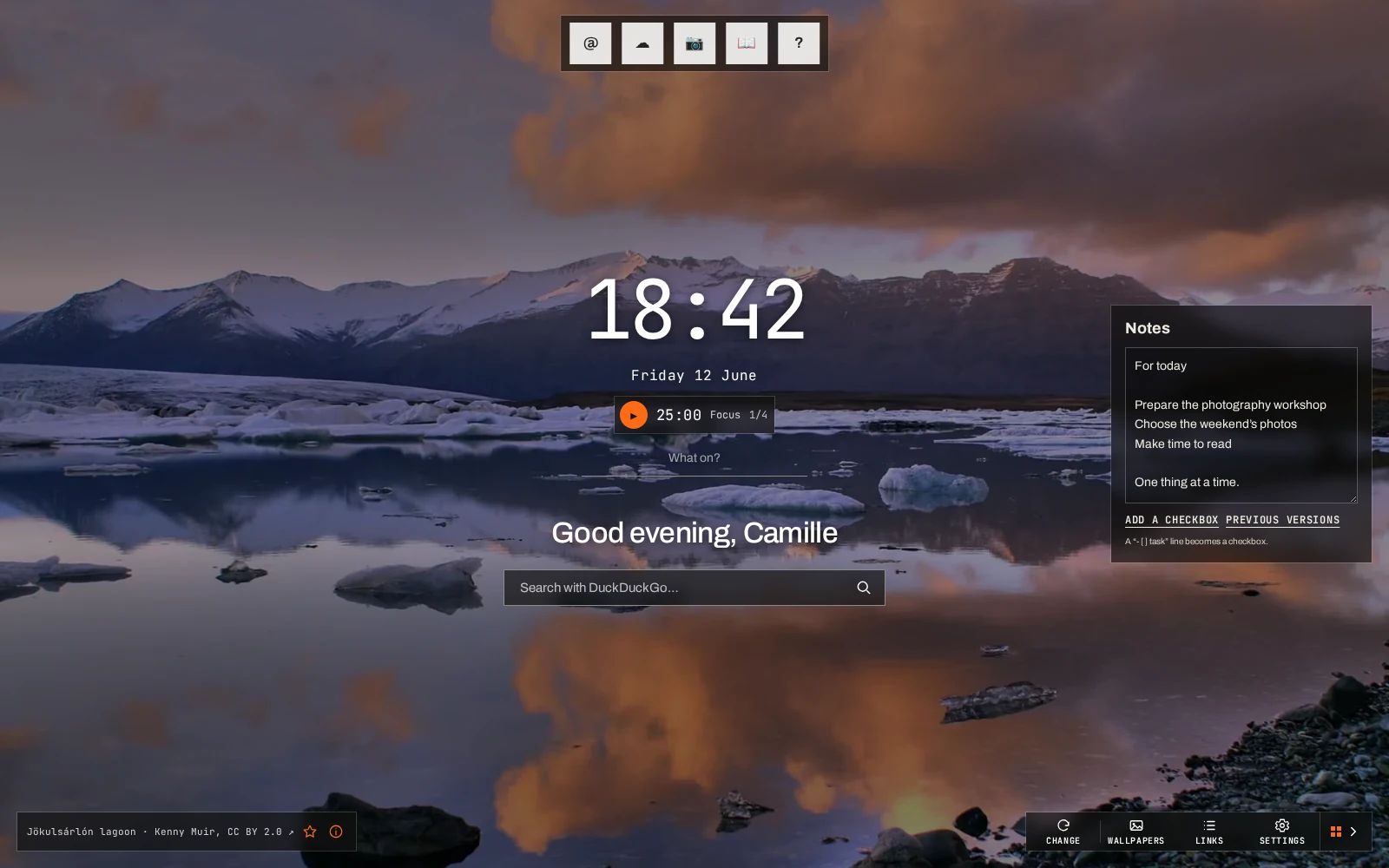
What the page shows
Section titled “What the page shows”Links and notes
Shortcuts sorted into groups, web search, and a note where - [ ] lines become checkboxes.
Wallpapers
The Hostux collection, Wallhaven, Bing, NASA, your own JPEG, PNG or WebP files, or a plain colour.
Choose a wallpaper →Clock and timer
The main time plus up to three other time zones, and a focus timer with breaks, a sound and an optional notification.
Set up the timer →Weather covers up to three cities, chosen by name: the page never asks for your location. Quotes come from the collections on offer or from your own text. Everything on the home page can be hidden.
Several set-ups
Section titled “Several set-ups”A space has its own links, note, cities, wallpapers and settings: one for work and one for home, for example. It is not an account: anyone using the same browser profile can open it.
Where your data lives
Section titled “Where your data lives”Everything is saved in the browser, with no account. A JSON export copies a space to a file. Sync with a code connects the website and the extensions; the configuration is encrypted in the browser before it is sent. Your personal photos never leave the device, neither through exports nor through sync.
Website or extension
Section titled “Website or extension”The website works without installing anything. On a computer, the extension shows Hostux.page in every new tab of Firefox (version 142 or later) or a Chromium browser. On a phone there is only the website, optionally as a home-screen shortcut. See Installation.